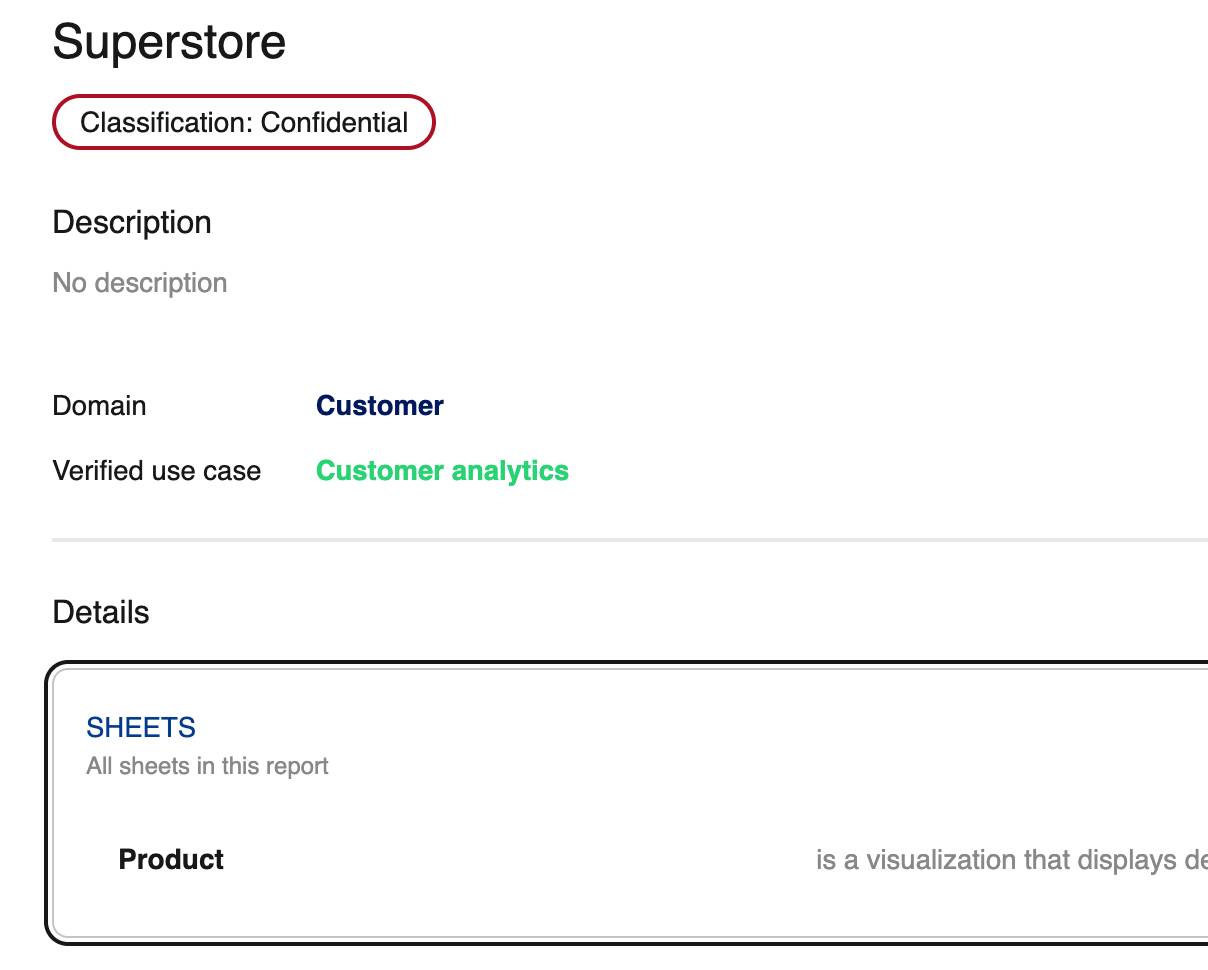
Hiding Sheets in Detailed Embedding
You can hide sheets from a report from being displayed in the Detailed Embedding Sheet section
This is useful where you have added the Detailed embedding to a dedicated sheet
Use the following steps to hide the Overview sheet in the detailed embedding
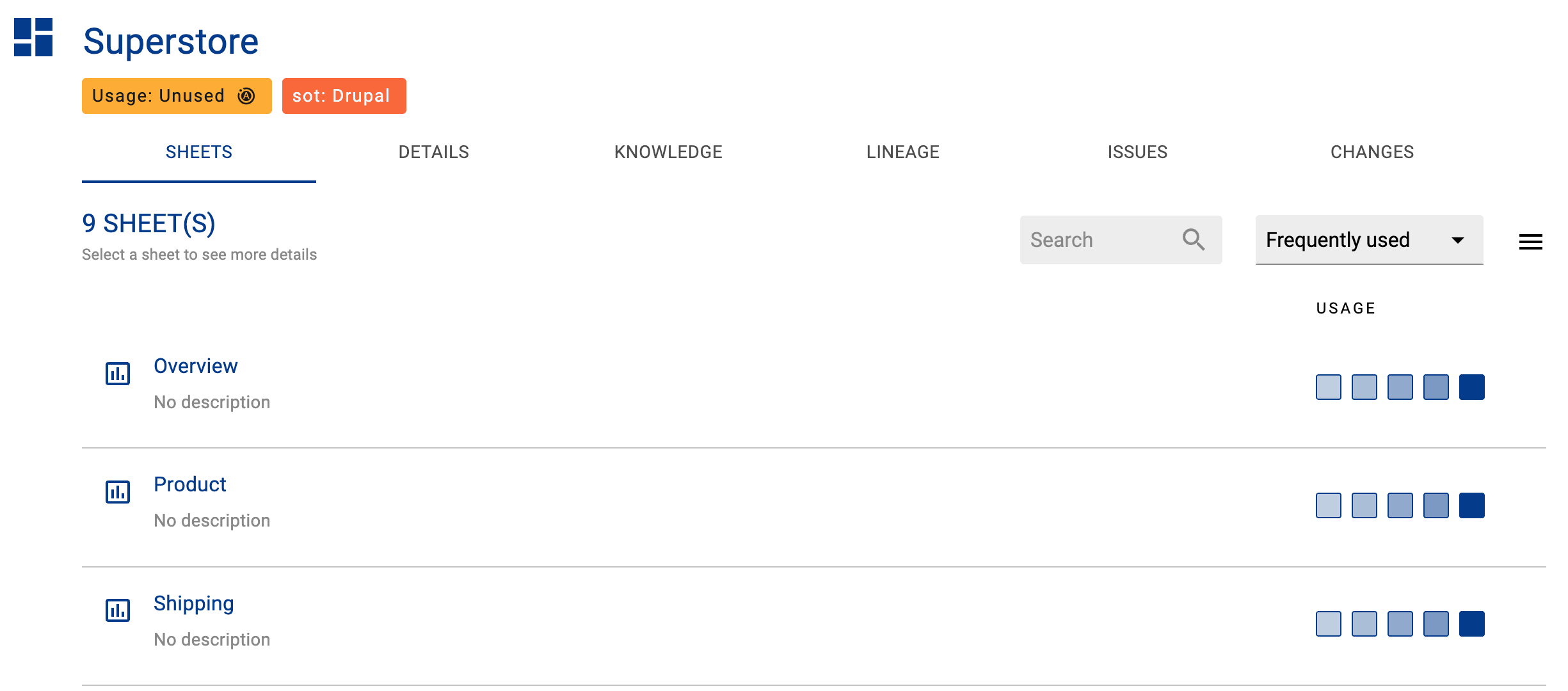
Step 1) Navigate to the sheet
Open the Sheet profile in K
Click on the more actions button
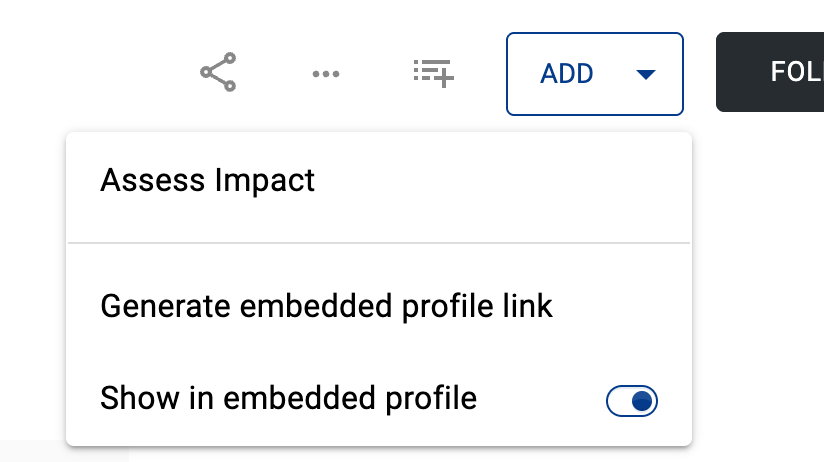
Disable the Show in embedded profile
Step 2) Refresh the Report
Refresh the report
The sheet will now be removed from the sheet section in the embedding