
NEW IN VERSION 6.2
The K MCP currently supports Metadata Management use cases - primarily updating descriptions for Assets and Terms.
To enable this feature, you will need to incorporate the Update description Skill.
Contact your Kada Account Manager to get access to the Skill.
Note: The MCP currently does not support creating or deleting assets and terms, updating asset and term properties or linkages to collections (e.g. assigning an Asset to a Domain). These improvements are scheduled for Version 6.3 / 6.4
Using the Update Description Skill
Interact with K in natural language to update one or many asset or term descriptions
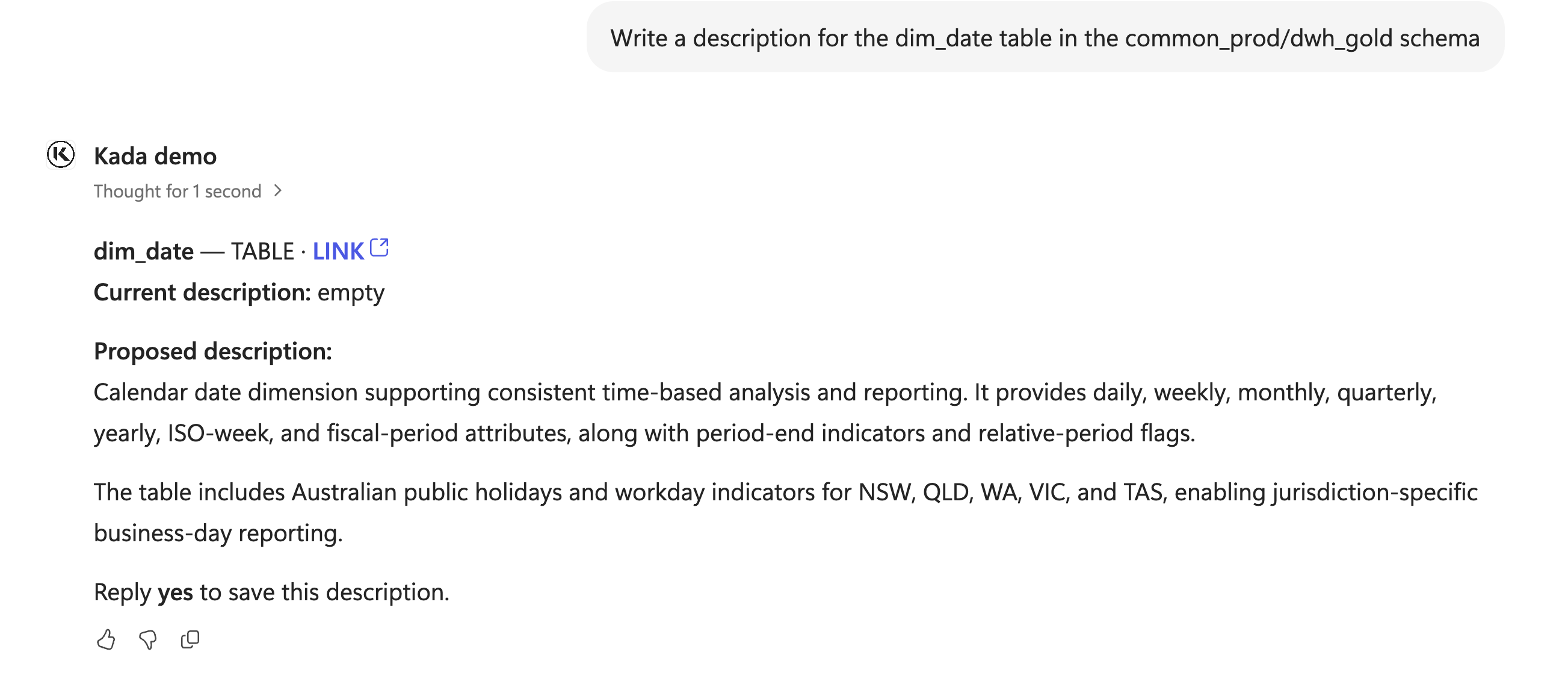
Example 1: Write a description for a single table and update the description in K
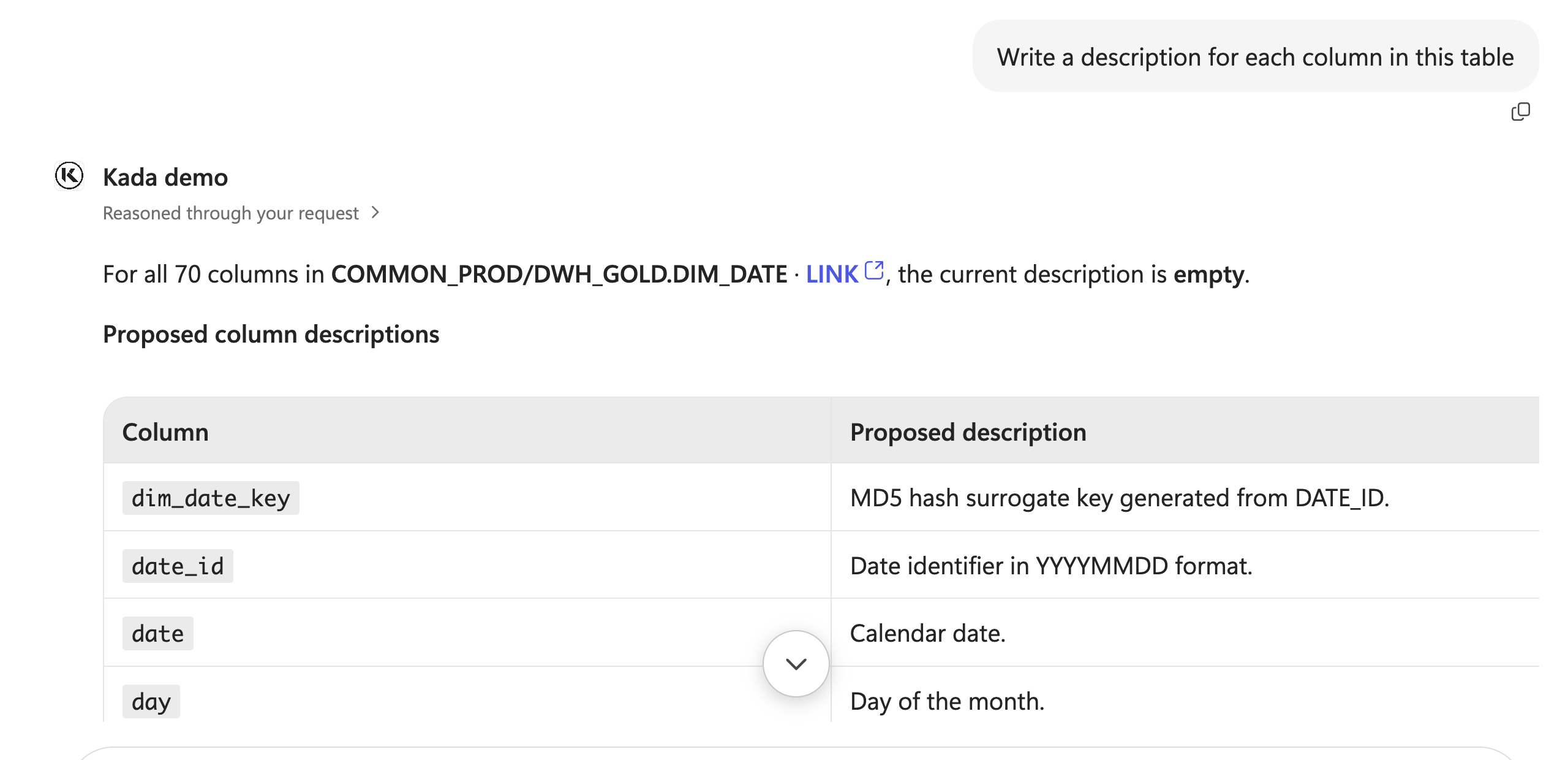
Write a description for all columns in a table and update the column descriptions in K
Recommended prompts
Single-asset prompts
-
“Write a description for the consumer table in GOLD.DWH, based on how it’s built.”
-
“Rewrite the description of the DRUPAL_CUSTOMER table in BRONZE.SOURCE so a business user can understand it.”
-
“Add a note advising that the consumer table is being deprecated in January 2027 to the consumer table’s description, keeping what’s there.”
-
“Write a description for the consumer table load query that explains what it aggregates.”
Batch prompts
-
“Describe every column in GOLD.DWH.CONSUMER that doesn’t have a description yet.”
-
“Find the ABN-tagged tables with no description and draft one for each.”
Glossary and governance prompts
-
“Fix the definition of the ABN glossary term. ABNs are Australian, not ANZ, and are 11 digits.”
-
“Rewrite the description of the Customer Analytics report to explain what it shows and which tables feed it.”
Note: Additional capabilities to update asset properties such as status, domains, categories and use cases is planned for 6.3 (Due December 2026)