
Updated in Version 6.0
Publishing a Workspace applies any pending changes — to datasets, tests, connections, or jobs — and makes them active. Changes do not take effect until the Workspace is published.
Publishing a Workspace
-
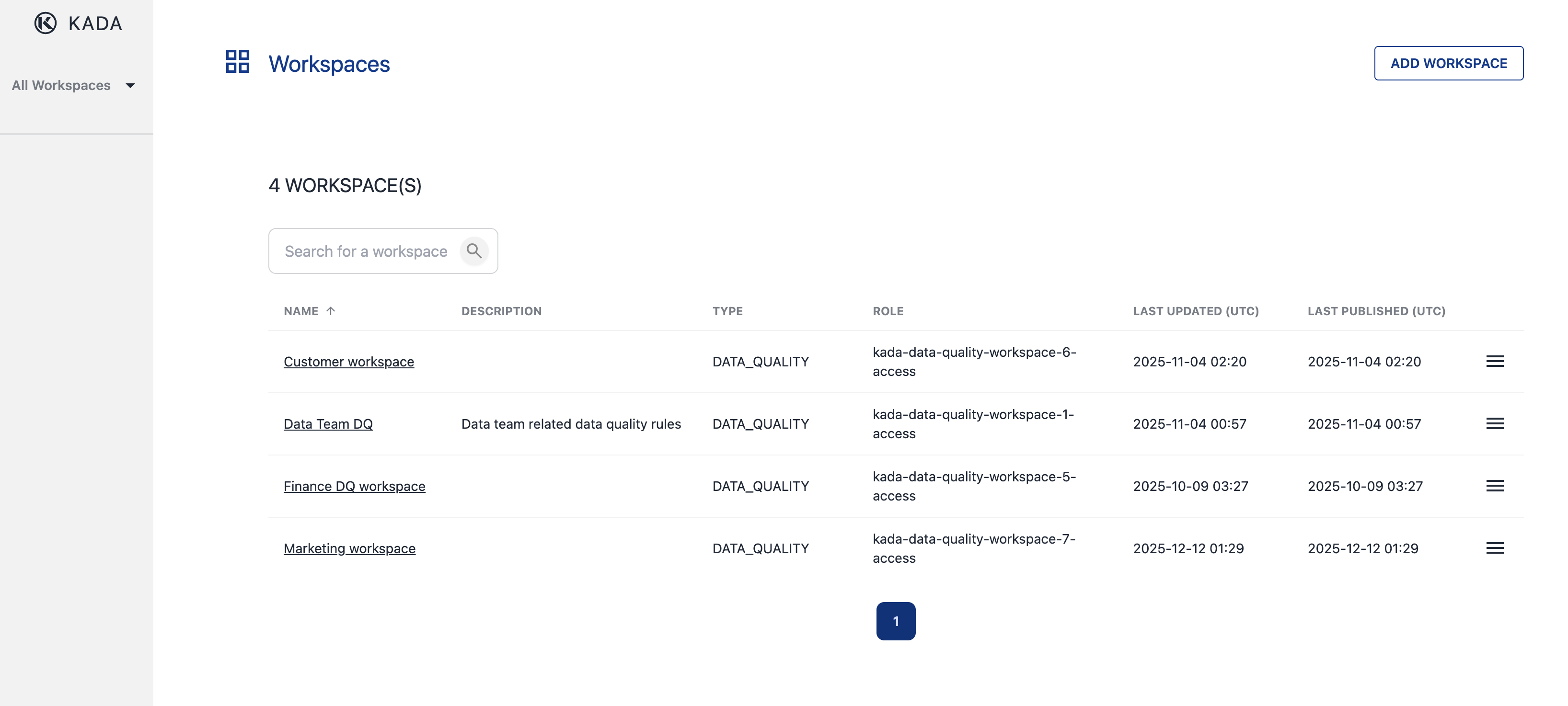
Go to All Workspaces
-
Click on the menu for the Workspace you want to publish
-
Select Publish
-
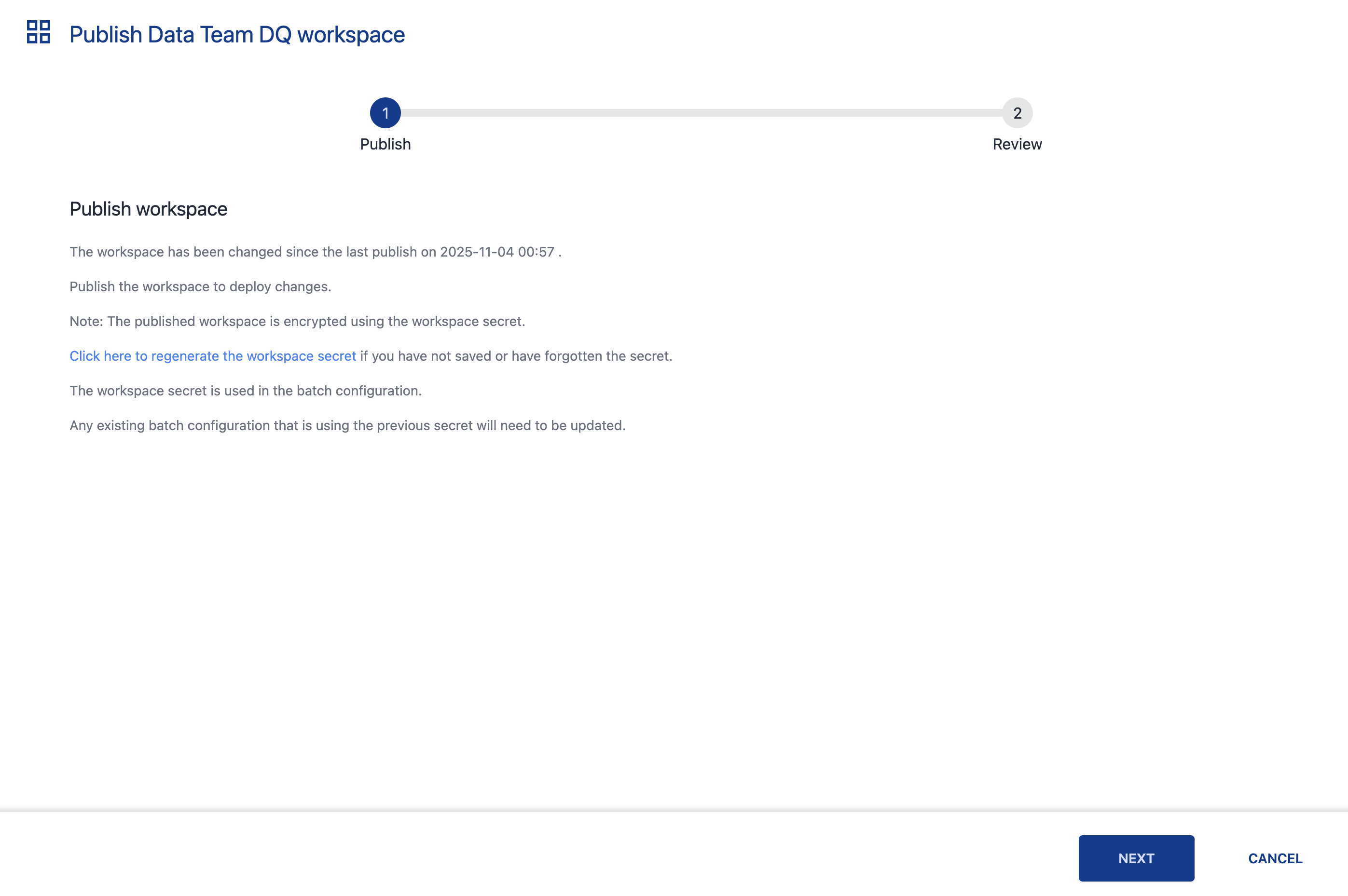
Review the summary of changes and click Next to confirm
Any new or updated datasets and tests will not be active until after publishing.
Running an Ad Hoc DQ Job
To run a Job immediately outside of a scheduled run:
-
Go to All Workspaces
-
Click in the the menu for the Workspace
-
Select Run Jobs
-
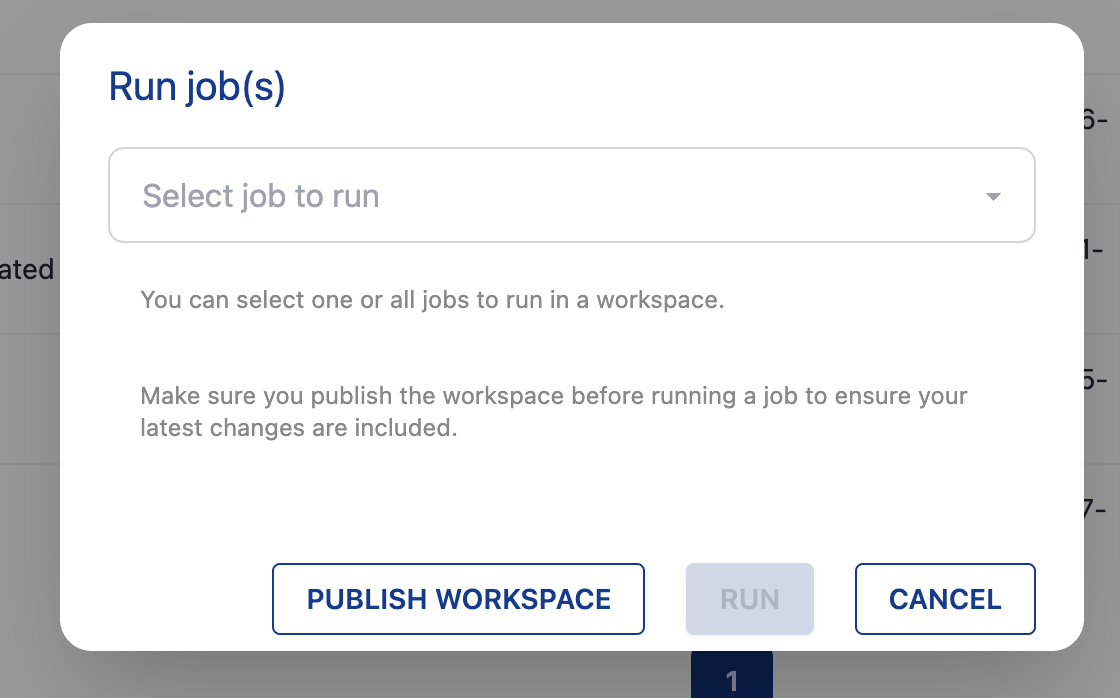
Select the Job to run (or All Jobs)
-
Select the Dataset(s) to include (or All Datasets)
-
Navigate to the Results tab to monitor progress and view outcomes
💡 Next step: After a Job has run, review the results in KDQ — or view them directly in K on the associated asset's Quality tab via Synchronising KDQ Results to K.