
Updated in Version 6.0
This page will explain how to rename a source in K
This function is restricted to K Administrators
Rename a source
-
Select Platform Settings in the side bar
-
In the pop-out side panel, under Integrations click on Sources
-
Click Edit on the source you want to rename
-
Click on Name field
-
Edit the name & click SAVE & NEXT
-
Click FINISH SETUP
-
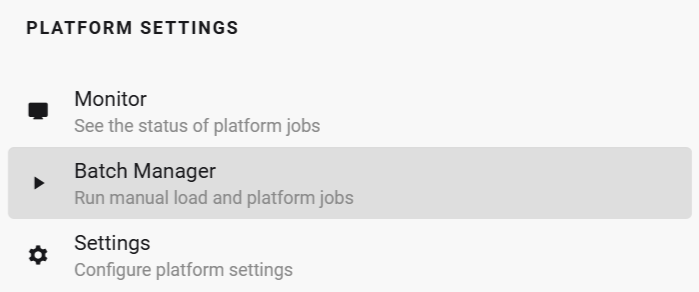
Click on Platform Settings in the sidebar and open Batch Manager
-
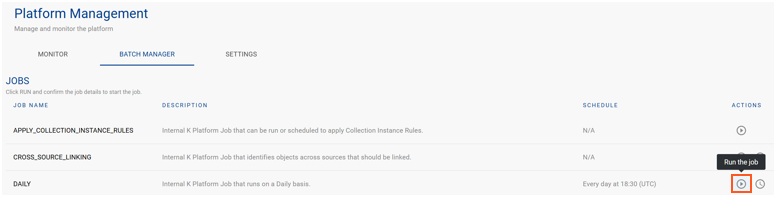
Run the Daily job
-
After the daily job has completed, your source name will be updated.