
Updated in Version 6.0
You can assign multiple Owner and Steward for each data asset to support the governance of each data asset.
This page will explain how you can individually link a Data Owner or Steward or perform a bulk update.
Assigning users as Owners and Stewards
There are 2 options for assigning Users as Owners and Stewards.
-
All users can be an Owner or Steward
-
A selected number of users can be an Owner or Steward
Configure the option above using these steps
-
Click on Settings
-
Click on Customisations
-
Go to Data Governance Setup
Configure the Data Owner / Steward Lookup
-
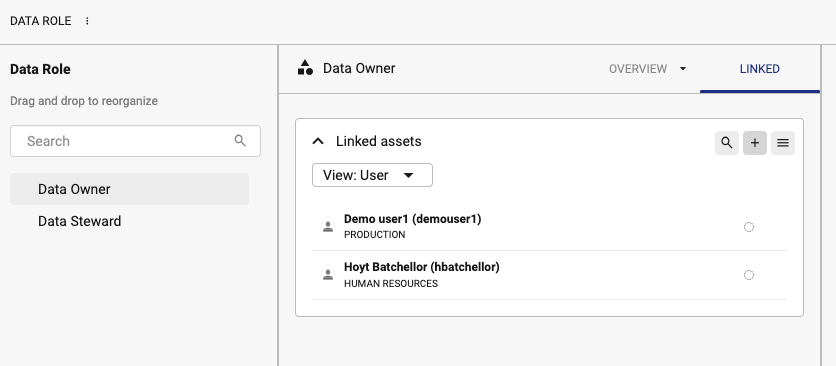
If Data Owner / Steward Roles (Data Roles) is configured, click on Assign Data Owner or Assign Data Steward to assign a user to the role

If Any user is selected, then the Owner / Steward lookup on a profile page will allow any users to be selected
-
After the Data Owner / Data Steward page is open, click on Linked tab. Click the Add button to add a new person to the Role.
Updating Data Owners/Stewards individually
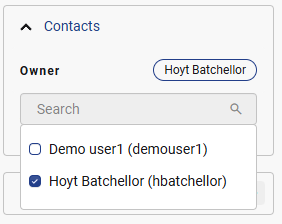
After you navigate to the Data Profile page, you can directly update Data Owner and Steward details via the Details panel on the right hand side
Bulk updating Data Owners and Stewards
If there are a large number of Data Assets that you need to update the Ownership or Stewardship for you can utilise the Bulk Functions function.