
Updated in Version 6.0
The User Impact Assessment is an option within K’s Impact Assessment app that helps you understand what data and content assets are used by a user or a set of users (e.g a team, or a list of user).
You can use it to:
-
Identify data and content assets created by or used by a team
-
Analyse data migration impacts across users
How to run a User impact assessment
Step 1) Select a user target
Go to the profile page to initiate the Impact assessment. In this case, go to the profile of the
-
User
-
A list of users
-
A team
You can use search to find a user or team.
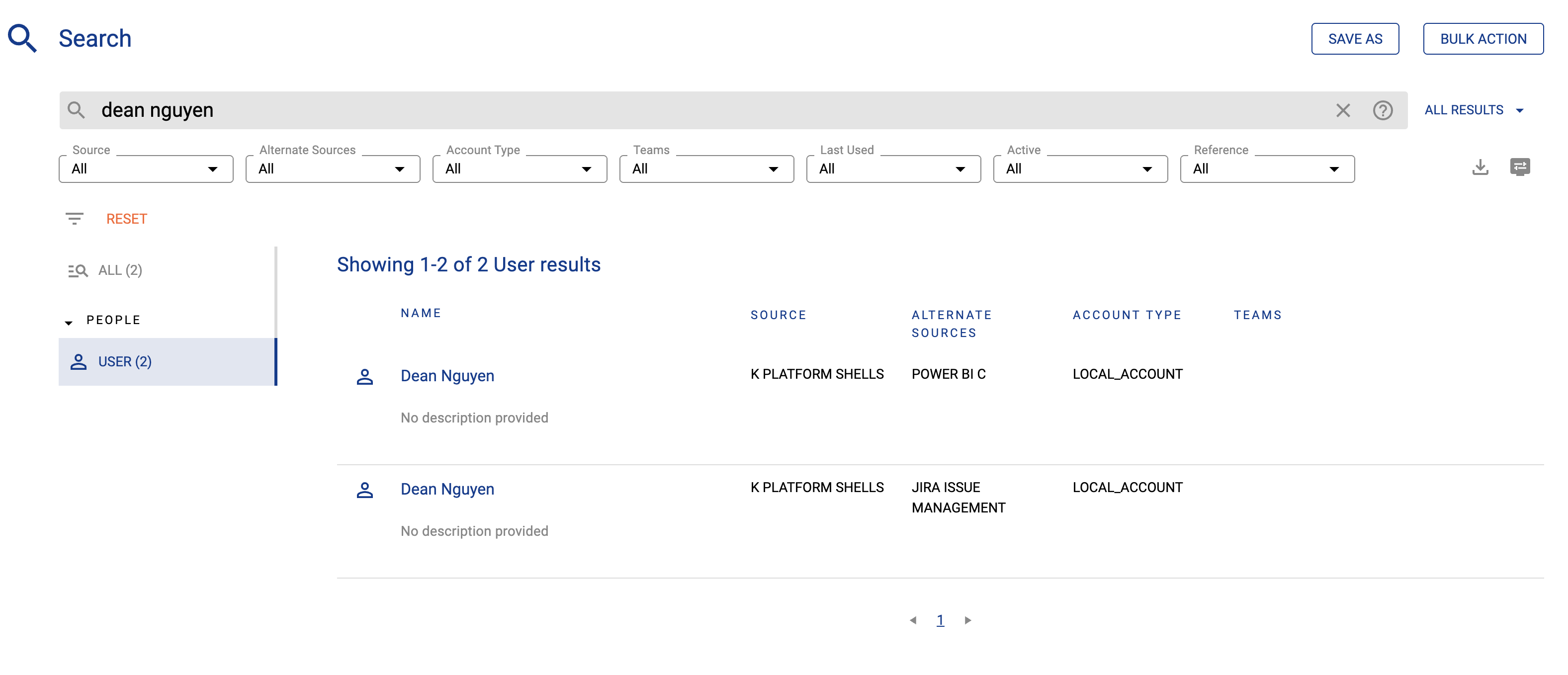
Or use a list of users accessible from the Ecosystem tab.
Step 2) Go to the Profile page and run an impact assessment
-
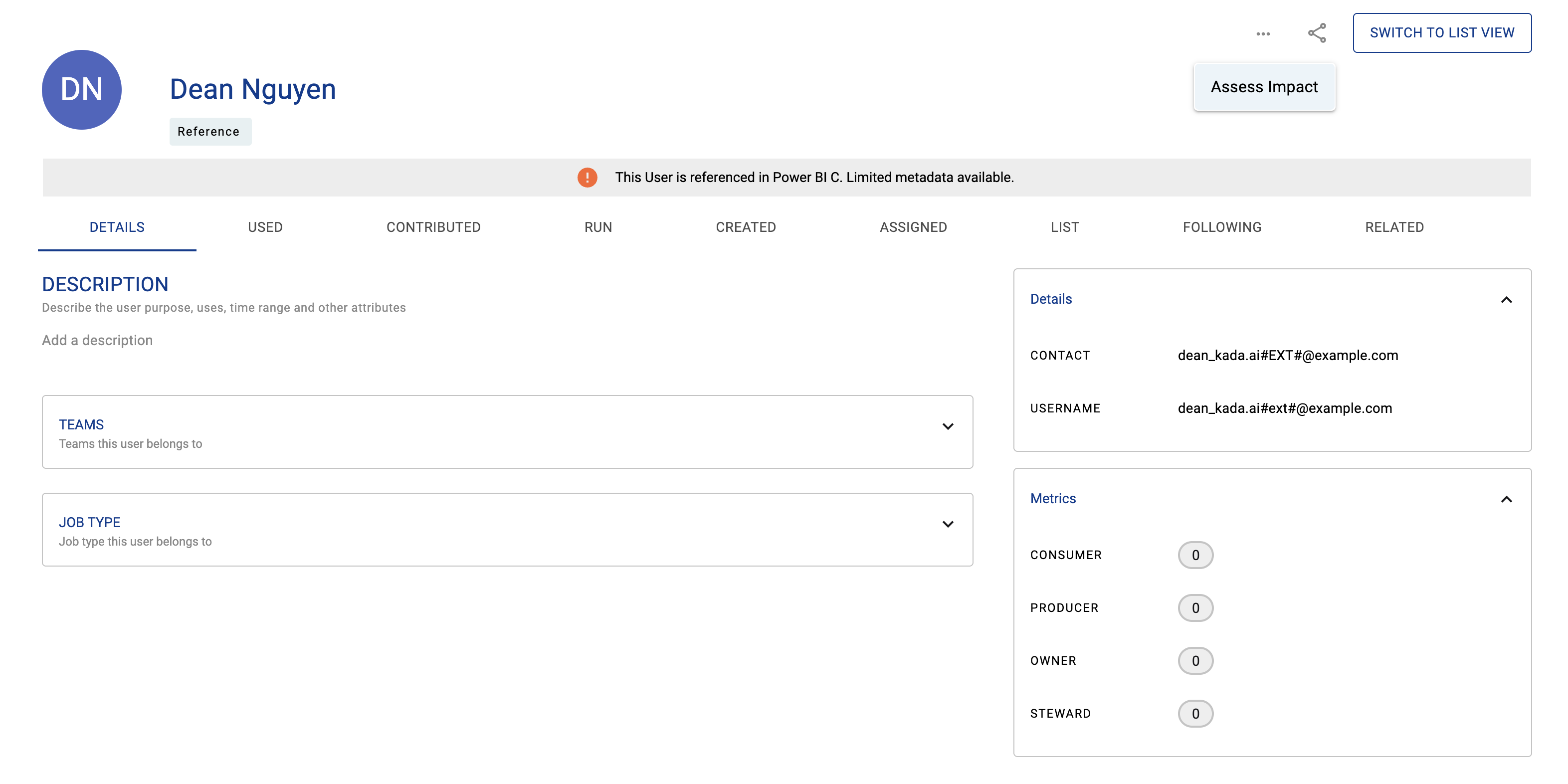
On the profile page for the user, team or list, click on actions. Select Assess Impact
Step 3) View impact assessments
-
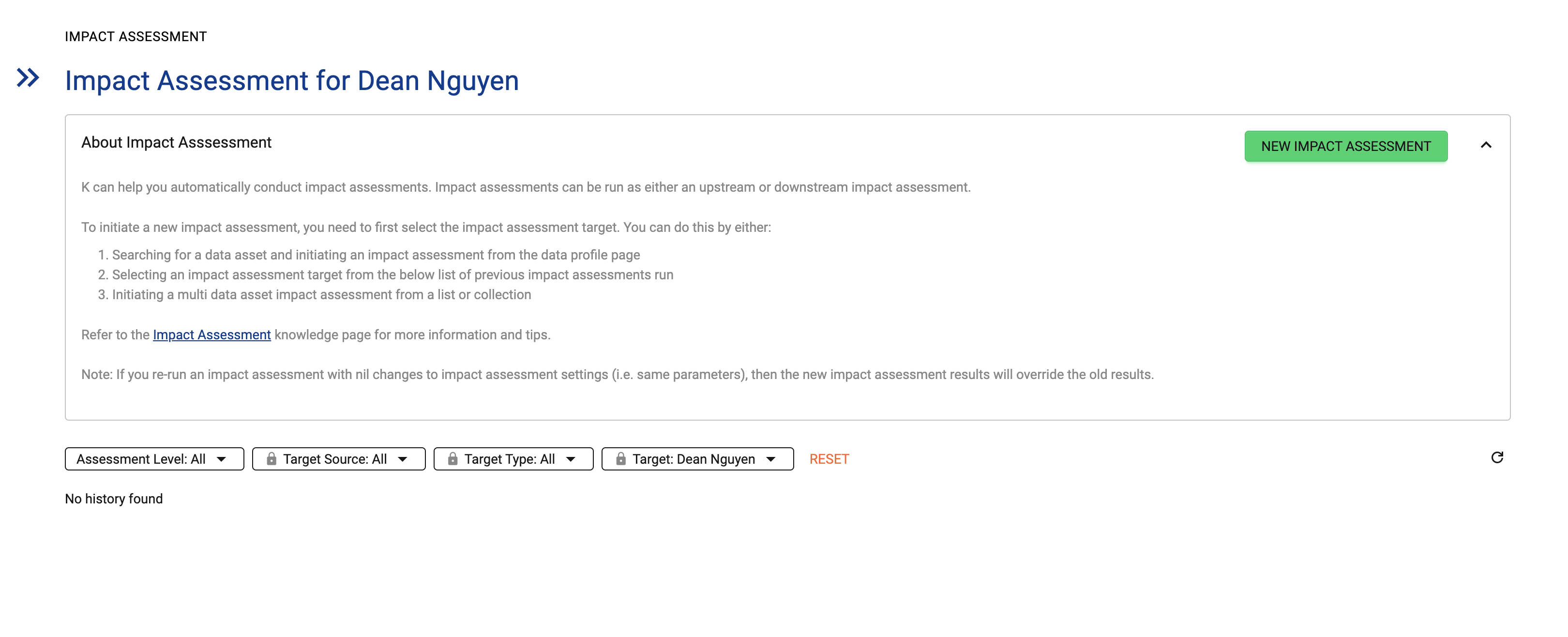
Select an existing assessment to review the results
-
If no previous impact assessments, select New impact assessment
Step 4) Run new impact assessment
-
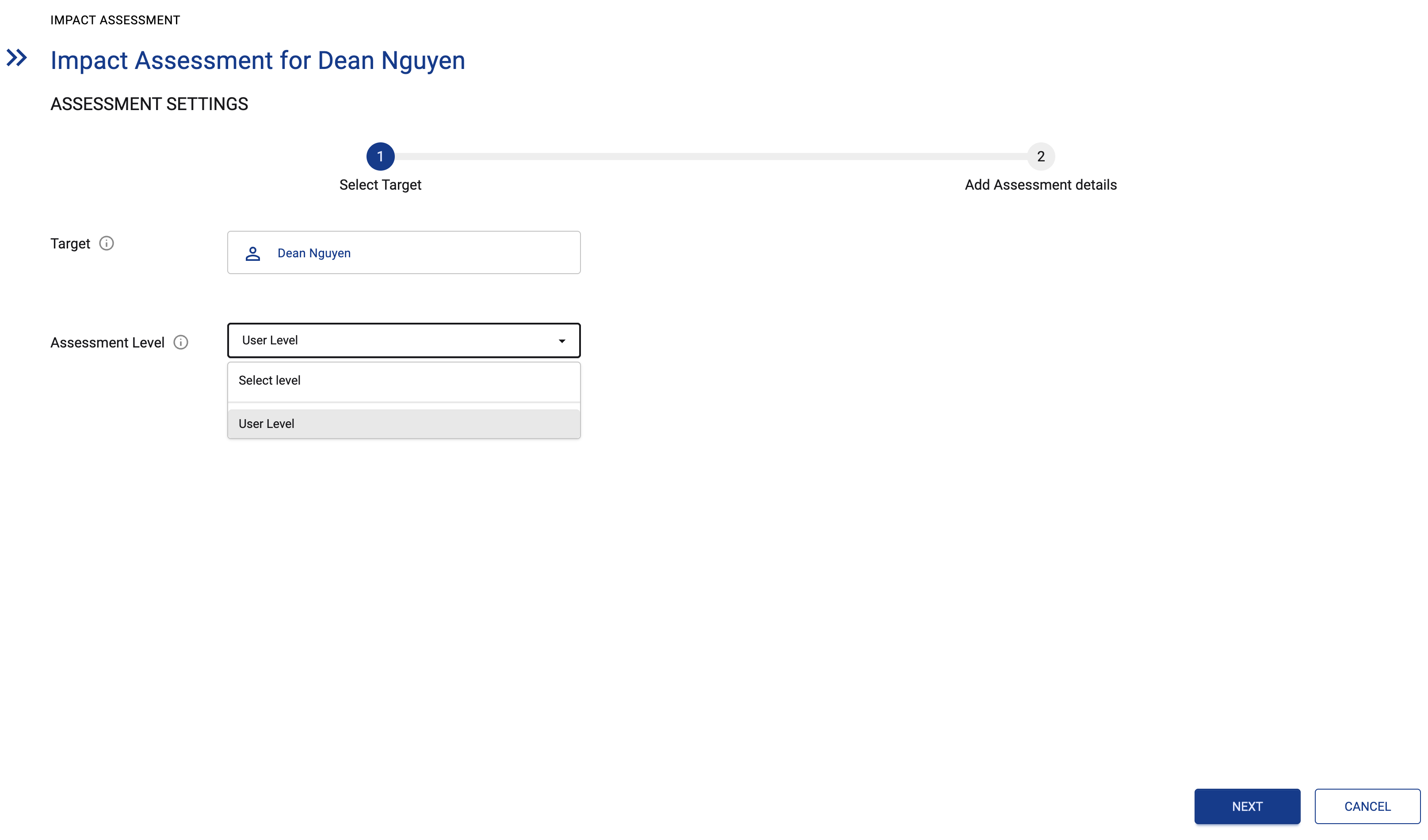
Set assessment level to User level. Click Next
-
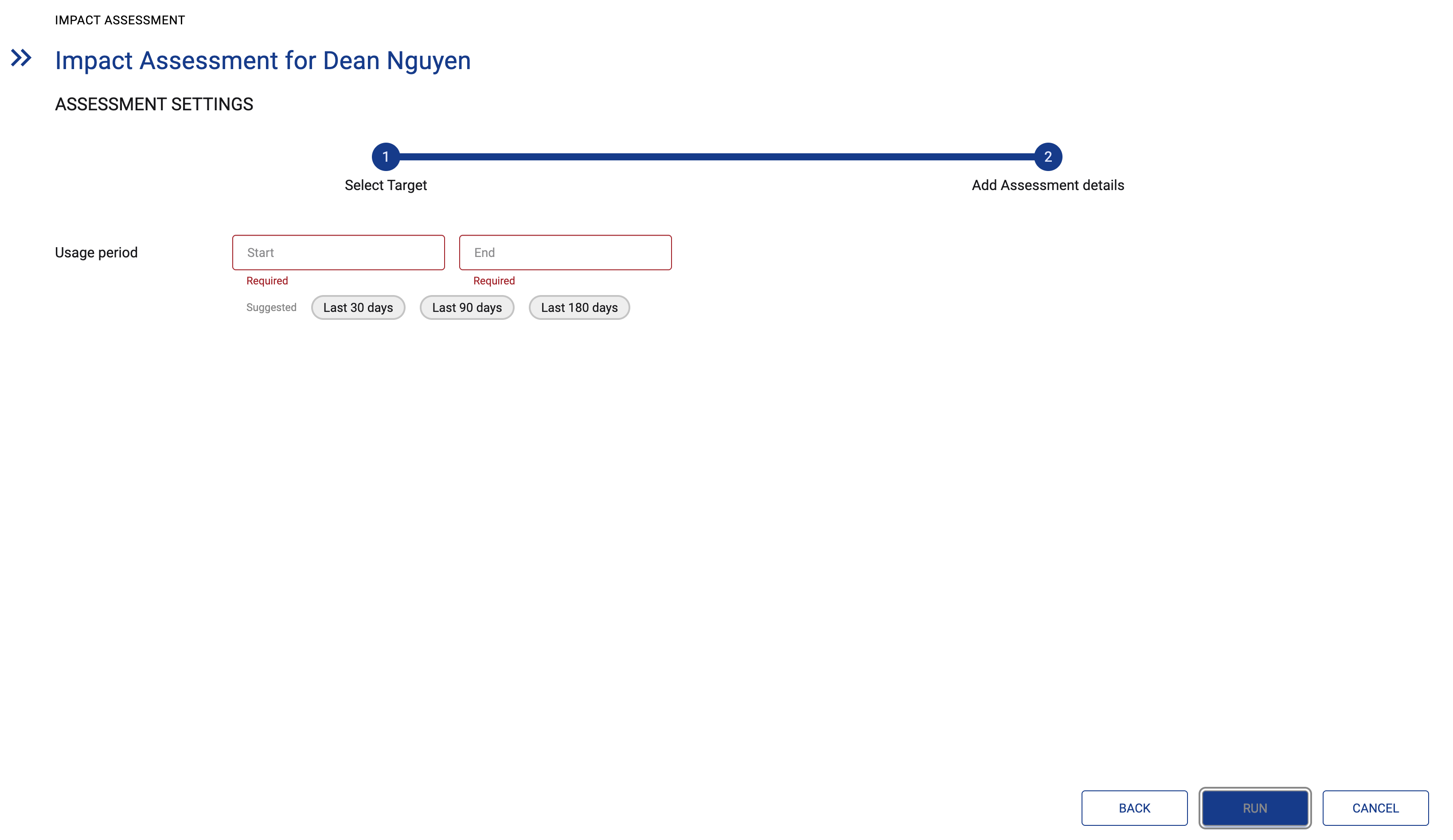
Set the usage period for the assessment. Click RUN
Step 5) View the assessment results
-
Once the assessment is ready, the status icon will turn to Green. Click on the row to open the assessment results

