
Updated in Version 6.0
A KDQ Job is the scheduling unit within a Workspace. Each dataset is assigned to a Job, and when a Job runs, all associated data quality tests are executed against every dataset assigned to it.
Jobs are designed to integrate with your existing scheduling tools — such as Apache Airflow, CRON, Azure Data Factory, or any other workflow orchestrator.
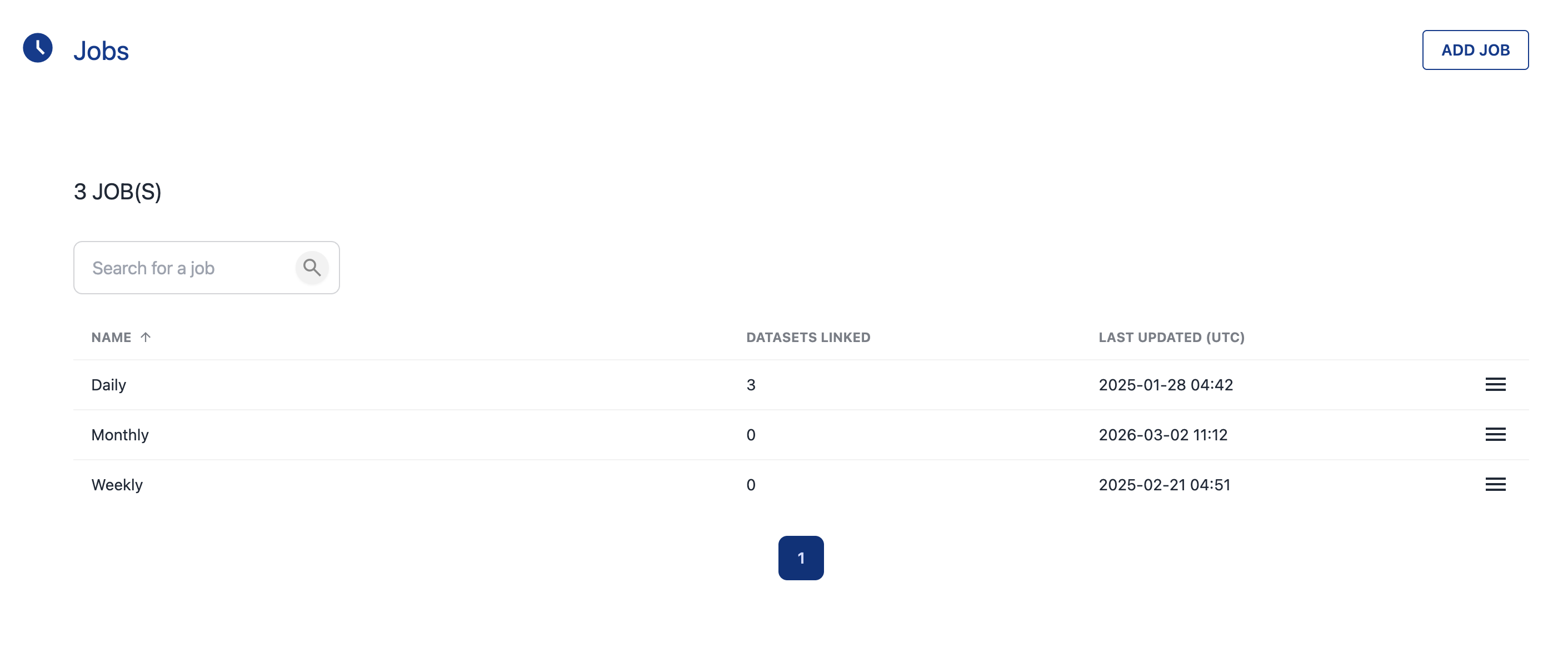
Creating a Job
-
Open a Workspace and click Jobs
-
Click Add Job
-
Enter a descriptive Job name
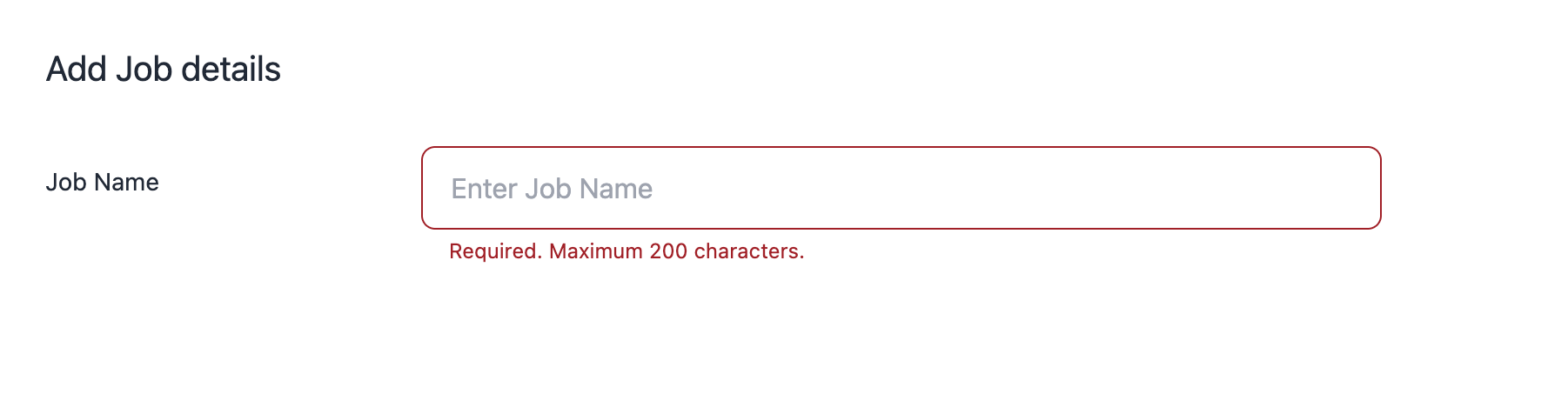
-
Click Next
The Job is now ready to have Datasets assigned to it.
How Jobs Work
|
Concept |
Description |
|---|---|
|
One Job, many Datasets |
A single Job can include multiple Datasets — useful for grouping related checks that should run together |
|
All tests run |
When a Job executes, every test defined on every Dataset assigned to that Job is run |
|
Scheduling |
Jobs do not have built-in schedules — they are triggered via your external scheduler or run manually (see Publishing and Running DQ Tests) |
💡 Next step: After creating a Job, assign Datasets to it and integrate with your scheduler to automate execution.