
New in Version 6.1
Configuring alerts requires the Rule Creator role or above
Set up an alert on a schedule group so the right people are alerted about a failure as soon as a run completes, instead of having to check results manually.
What triggers an alert
An alert fires when a rule in the schedule group fails, based on:
-
The rule's severity - only alert on high or critical failures. All medium and low priority issues will be ignored.
-
A threshold breach - the failure rate crossing what the rule allows
Setting up an alert
-
Go to the Schedule group tab
-
Hover over a selected schedule group click Edit
-
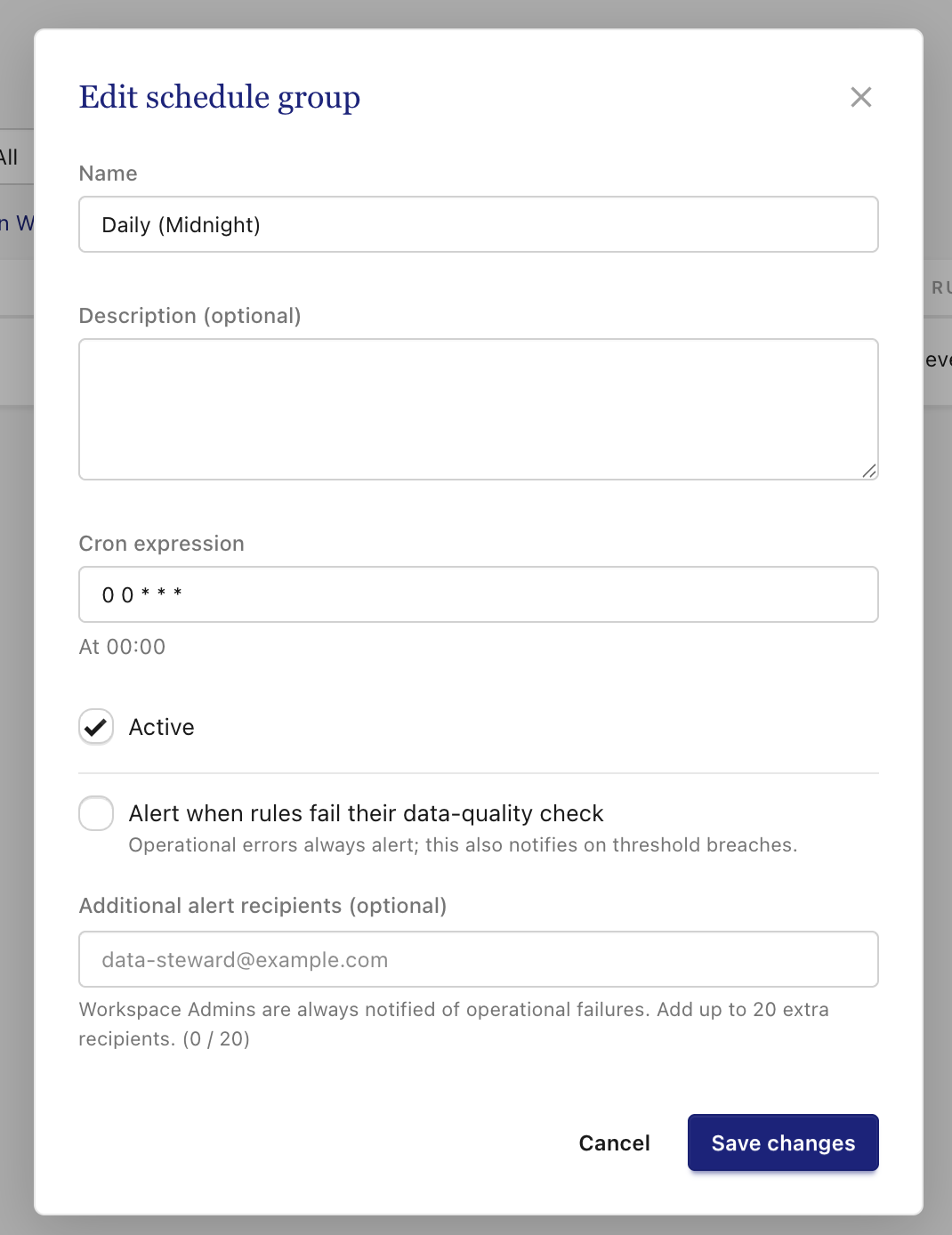
In the modal that appears, go to the Alerts section
-
Toggle the Alert setting on
-
Add any additional alert recipients
-
Save changes.
Everyone assigned to a schedule group's alert is notified whenever any rule in that group fails.